

Security Systems
How to change time and date DSC control panels
Your keypad may look like this:
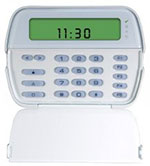 PK5501
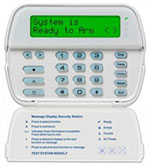 PK5500
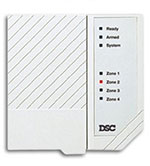 PC500
PC500
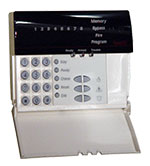 PC580
PC580
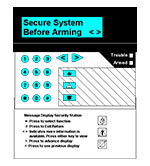 PC4000
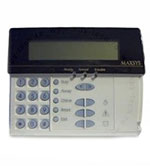 PC4010/4020
No Time/Date Programming Required
PC500
PC550
PC1000
Standard Programming Models
Specific Programming Models
PC4000
Step 1 – Enter time programming by pressing [Master Code] + [4]
Step 2 – Enter [HH:MM]
Step 3 – Press [#] to exit
Note: Program the time using military standard (e.g. 8:00 pm = 20:00 hours)
PC4010
Step 1 – Enter time programming by pressing [Master Code] + [9] + [1]
Step 2 – Enter [HH:MM]
Step 3 – Press [#] to exit
Note: Program the time using military standard (e.g. 8:00 pm = 20:00 hours)
PC4020
Step 1 – Enter time programming by pressing [Master Code] + [9] + [1]
Step 2 – Enter [HH:MM]
Step 3 – Press [#] to exit
Note: Program the time using military standard (e.g. 8:00 pm = 20:00 hours)
Need help with your panel?
If you don't know your master code or the keypad isn't responding as expected, our technicians are available to help.
+1 604-400-6001